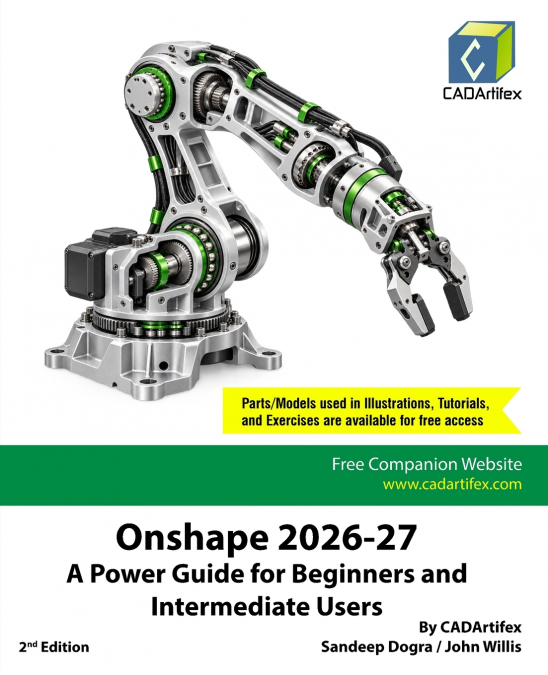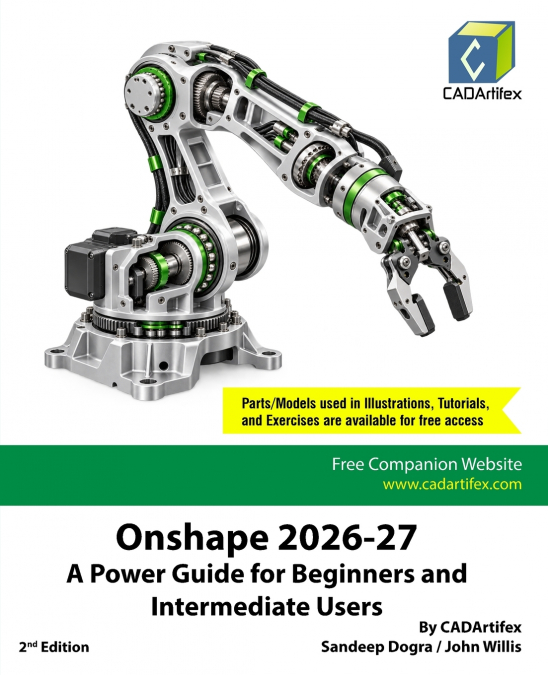
CADArtifex / John Willis / Sandeep Dogra
FreeCAD 1.1.1: A Power Guide for Beginners and Intermediate Users is designed for both instructor-led courses and self-paced learning, providing engineers, designers, students, educators, and hobbyists with the tools needed to master FreeCAD for creating 3D mechanical designs. Ideal for newcomers and an excellent resource for classroom training, this 492-page textbook covers 10 comprehensive chapters, exploring essential FreeCAD workbenches such as Sketcher, Part Design, Assembly, and TechDraw. It equips readers with the skills required to create parametric 3D solid models, build assemblies, and produce professional 2D engineering drawings. The textbook also includes downloadable resources and QR-code-linked video demonstrations to support hands-on learning.Interactive Learning SupportKey tutorial steps are accompanied by QR codes that link to video demonstrations, helping users navigate challenging stages of the learning process and enhancing the overall learning experience.The textbook emphasizes not only tool usage but also fundamental design concepts. Every chapter includes step-by-step tutorials that guide users through the creation of real-world mechanical designs. In addition, each chapter concludes with hands-on exercises that reinforce key concepts and encourage users to explore FreeCAD’s powerful capabilities independently.Who Should Read This Book?This textbook is suitable for a broad range of users, including beginners, intermediate learners, engineering students, educators, designers, makers, and professionals seeking to expand their FreeCAD skills. Its practical, project-based approach and easy-to-follow structure make it an effective learning resource for both classroom instruction and self-study.Downloadable ResourcesStudents and faculty can download all models, parts, tutorials, and hands-on exercises used throughout the textbook, providing access to practical resources for deeper learning.Key FeaturesStep-by-step tutorials based on real-world mechanical design projectsHands-on exercises at the end of every chapter to reinforce learningPractical tips, notes, and best practices throughout the bookQR-code access to supporting video demonstrationsFaculty resources, including PowerPoint presentations and additional projectsEmail-based technical support from CADArtifex (info@cadartifex.com)Contents at a GlanceChapter 1. Introduction to FreeCADChapter 2. Creating and Editing Sketches with FreeCADChapter 3. Creating Base Features of a 3D Solid ModelChapter 4. Creating Datum GeometriesChapter 5. Creating Pocket and Groove FeaturesChapter 6. Creating Pipe, Loft, and Helix FeaturesChapter 7. Mirroring and Patterning FeaturesChapter 8. Creating Holes and Dress-Up FeaturesChapter 9. Creating AssembliesChapter 10. Creating 2D DrawingsLearn FreeCAD through real-world projects, step-by-step tutorials, downloadable resources, and QR-code-linked video demonstrations. Gain the practical skills and confidence needed to create professional-quality 3D models, assemblies, and engineering drawings.